
Your Linux machine talks to the internet through one door, and that door is called the default gateway. If something breaks with your network, the gateway is usually the first thing you want to check. I’ll show you every reliable way to find it, right from the terminal.
What Is a Default Gateway and Why It Matters
Think of the default gateway as your router’s IP address from Linux’s point of view. Every packet that needs to leave your local network gets handed off to this address. If it’s wrong, misconfigured, or missing, your machine won’t reach anything outside the LAN, even if your network card is perfectly fine.
The gateway sits in your system’s routing table. That’s where Linux decides: “where does this packet go?” For anything that doesn’t match a specific route, the default gateway takes over.
How to Check Default Gateway in Linux
There are several commands that show you the default gateway. Each one works slightly differently depending on your distro and what tools are installed. I’ll start with the most common ones.
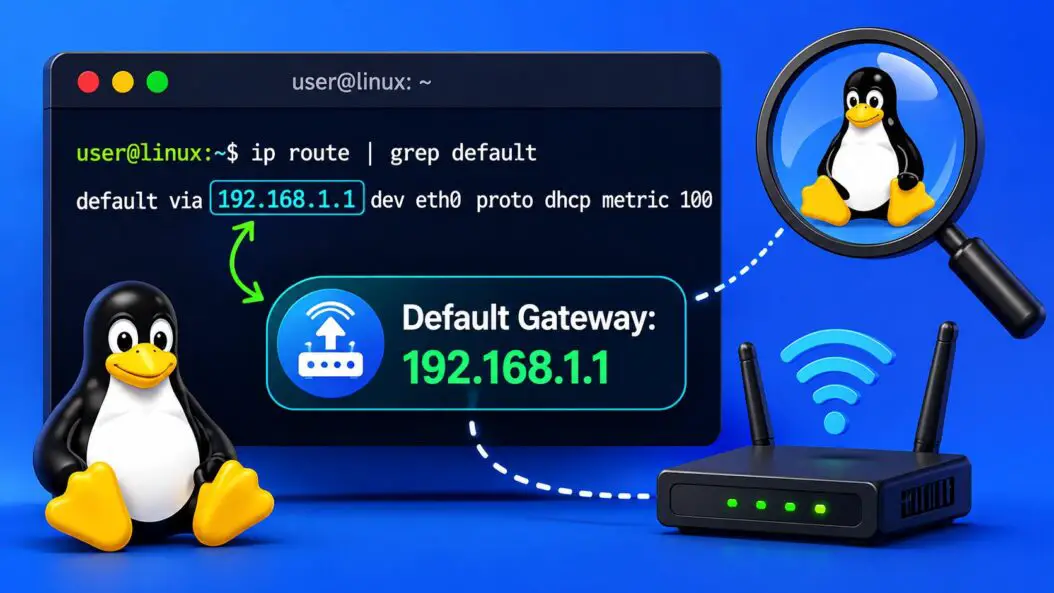
Using the ip route Command (Recommended)
This is the modern way. The ip command is part of the iproute2 package, which comes pre-installed on virtually every Linux distro today.
ip route showYou’ll see output like this:
default via 192.168.1.1 dev eth0 proto dhcp src 192.168.1.105 metric 100
192.168.1.0/24 dev eth0 proto kernel scope link src 192.168.1.105
The line starting with default via is what you’re looking for. In this case, 192.168.1.1 is your default gateway.
To get just the gateway address without the extra noise:
ip route show defaultOr even cleaner, pipe it through awk:
ip route | grep default | awk '{print $3}'This prints only the IP address of the gateway, nothing else.
Using ip route get
This is a clever trick. You ask Linux: “how would you route a packet to 8.8.8.8?” and it tells you exactly which gateway it would use.
ip route get 8.8.8.8Output:
8.8.8.8 via 192.168.1.1 dev eth0 src 192.168.1.105 uid 1000That via 192.168.1.1 is your gateway. This method is useful when you have multiple network interfaces and want to know which gateway handles external traffic specifically.
Using netstat -rn (Older Systems)
If you’re on an older system or prefer the classic approach, netstat works too. It may not be installed by default on newer distros, but it’s still widely available.
netstat -rnSample output:
Kernel IP routing table
Destination     Gateway         Genmask         Flags   MSS Window  irtt Iface
0.0.0.0         192.168.1.1     0.0.0.0         UG        0 0          0 eth0
192.168.1.0     0.0.0.0         255.255.255.0   U         0 0          0 eth0
Look for the row where Destination is 0.0.0.0. The Gateway column on that row is your default gateway. The flag G stands for Gateway, and U means the route is up.
Using route -n
Similar to netstat, the route command shows the routing table directly.
route -nOutput looks almost identical to netstat -rn. Again, find 0.0.0.0 in the Destination column.
The -n flag skips hostname resolution, so it’s faster and avoids confusion when DNS isn’t working.
Using routel for a Cleaner Table
If you want a formatted summary, routel is a wrapper around ip route that presents things more cleanly.
routelNot every distro ships this by default, but it’s available in the iproute2 package extras.
Quick Comparison
| Command | Works On | Shows Gateway As | Notes |
|---|---|---|---|
ip route show | All modern distros | default via X.X.X.X | Recommended in 2026 |
ip route get 8.8.8.8 | All modern distros | via X.X.X.X | Good for multi-interface setups |
netstat -rn | Older distros | Gateway column, row with 0.0.0.0 dest | May need net-tools package |
route -n | Older distros | Same as netstat | Deprecated but still works |
routel | Varies | Clean formatted table | Optional install |
Checking the Gateway on Specific Network Interfaces
If your system has multiple interfaces like eth0, wlan0, or ens3, you might want to see the gateway for a specific one.
ip route show dev eth0Replace eth0 with your actual interface name. To list all interfaces:
ip link showOr:
nmcli device statusHow to Find Your Gateway with NetworkManager
If you’re on a desktop Linux with NetworkManager (Ubuntu, Fedora, Mint, etc.), you can also check through nmcli.
nmcli -f IP4.GATEWAY connection show --activeThis pulls the active connection’s gateway directly. Useful if you manage connections through NetworkManager rather than manual config files.
For a specific connection by name:
nmcli connection show "YourConnectionName" | grep IP4.GATEWAYReading Gateway Info from System Files
Sometimes you want to pull this information programmatically, not just for your eyes. The kernel exposes routing info in /proc/net/route.
cat /proc/net/routeThe output is in hex, which is less human-friendly:
Iface   Destination Gateway  Flags RefCnt Use Metric Mask     MTU Window IRTT
eth0    00000000    0101A8C0  0003  0      0   100    00000000 0   0      0
The Gateway column 0101A8C0 is the IP in little-endian hex. To decode it manually: reverse the byte pairs and convert each from hex to decimal. C0 = 192, A8 = 168, 01 = 1, 01 = 1. So that’s 192.168.1.1.
This matters if you’re writing a shell script or automation that needs to extract the gateway without relying on specific tools being installed.
Here’s a one-liner to decode it properly:
awk '$2 == "00000000" { gsub(/../, "0x& "); n=split($3, a, " "); ip=""; for(i=n;i>=1;i--) ip=ip (i<n?".":"") strtonum(a[i]); print ip }' /proc/net/routeChecking Default Gateway on Ubuntu Specifically
Ubuntu uses netplan for network config since 18.04. To see what gateway is configured:
cat /etc/netplan/*.yamlLook for a gateway4 or routes entry with via. Example:
network:
  ethernets:
    eth0:
      dhcp4: true
  version: 2
If DHCP is on, the gateway is assigned automatically. You can verify the actual assigned value with ip route show.
For static IP setups, the gateway is defined explicitly in the YAML file.
Checking Default Gateway on CentOS, RHEL, and Rocky Linux
On RHEL-based systems, network config lives in /etc/sysconfig/network-scripts/.
cat /etc/sysconfig/network-scripts/ifcfg-eth0You’ll find GATEWAY=192.168.1.1 or similar in there. This is the statically configured gateway. The live routing table (what the system actually uses right now) is always best checked with ip route.
When the Gateway Is Missing or Wrong
If ip route show doesn’t show a default line at all, your system has no default gateway. This is a problem.
You can add one temporarily:
sudo ip route add default via 192.168.1.1This disappears after a reboot. To make it permanent, edit your network config file (netplan YAML, ifcfg file, or NetworkManager connection profile depending on your distro).
If the gateway is present but you still can’t reach the internet, verify:
- The gateway IP is actually correct (check your router’s admin page)
- You can ping the gateway:
ping 192.168.1.1 - The gateway itself has internet access
- DNS is configured separately from the gateway
For more depth on Linux routing and how the kernel makes routing decisions, the Linux Advanced Routing & Traffic Control guide is the most thorough reference available.
A Simple Script to Display Gateway Info
If you check this frequently, here’s a tiny script you can save as show-gateway.sh:
#!/bin/bash
echo "Default Gateway:"
ip route show default | awk '{print "  Gateway:", $3, "| Interface:", $5}'
echo ""
echo "Full Routing Table:"
ip route show
Make it executable:
chmod +x show-gateway.sh
./show-gateway.sh
Conclusion
The fastest way to check your default gateway in Linux is ip route show or ip route | grep default. Both work on every modern distro and give you a clear answer in seconds. For older systems, route -n and netstat -rn still do the job. If you’re scripting or automating, /proc/net/route gives you raw kernel data without any tool dependency.
FAQs
Can I check the default gateway without root or sudo?
Yes. All the read commands (ip route show, netstat -rn, route -n) work as a regular user. You only need sudo when you want to add or change a route.
My ip route show returns nothing at all. What does that mean?
It means no routes are configured, which usually happens right after a fresh install, or when the network interface hasn’t been brought up. Run ip link set eth0 up (replace eth0 with your interface) and then try again, or check if networking services like NetworkManager or systemd-networkd are running.
Is the default gateway the same as the DNS server?
Not always. They can be the same IP (many home routers act as both), but they serve different purposes. The gateway routes your traffic; the DNS server resolves domain names. Check DNS separately with cat /etc/resolv.conf.
How do I check the gateway on a Linux server with no GUI?
Every method I covered works over SSH on a headless server. ip route show is your go-to. No GUI needed at any point.
Does the default gateway change when I switch from Ethernet to Wi-Fi?
It can. Each interface can have its own gateway, and Linux picks the one with the lowest metric for default traffic. Run ip route show after switching interfaces to see which gateway is currently active and what metric it has.
