Author name: MK Usmaan

Mk Usmaan is an avid AI enthusiast who studies and writes about the latest developments in artificial intelligence. As an aspiring computer scientist, he is fascinated by neural networks, machine learning, and how AI technology is rapidly evolving.

How to Turn Off Copilot in Windows: Step-by-Step Guide

You can turn off Windows Copilot by right-clicking the Copilot icon in your taskbar and selecting “Unpin from taskbar,” or by disabling it completely through Windows Settings. Most users just need to unpin it from the taskbar to remove the icon and notifications. Full removal requires additional steps in Group Policy or Settings depending on

How to Turn Off Copilot in Windows: Step-by-Step Guide Read More »

How to Turn Off Real-Time Protection: Step-by-Step Guide for Windows and Mac

Real-time protection is the active background shield that scans your files and programs as they run. To turn it off, go to your antivirus settings, find the real-time protection option, and toggle it to disabled. The exact steps depend on whether you use Windows Defender, third-party antivirus software, or macOS protection. We’ll cover each below.

How to Turn Off Real-Time Protection: Step-by-Step Guide for Windows and Mac Read More »

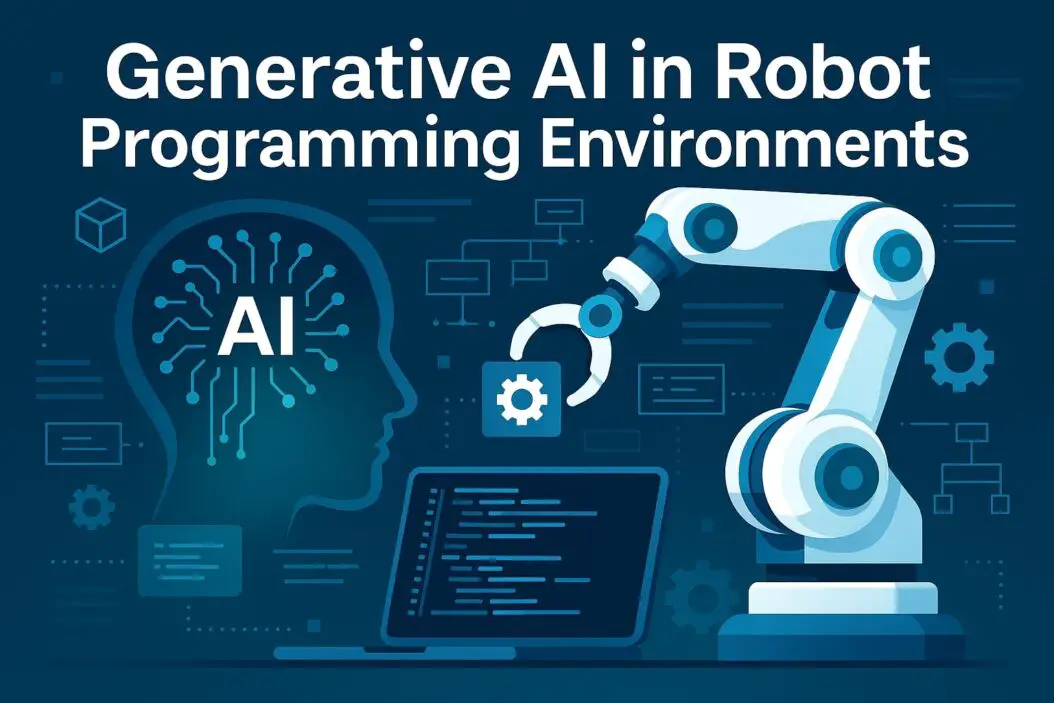
Generative AI in Robot Programming Environments

Generative AI in Robot Programming Environments: A Practical Guide

Generative AI in robot programming environments is changing how engineers write code and control robots. Instead of manually coding every movement, developers now use AI models to generate programs from natural language descriptions. This saves time, reduces errors, and makes robotics accessible to people without deep programming expertise. The core benefit is simple: tell the

Generative AI in Robot Programming Environments: A Practical Guide Read More »