
Most action cameras claim to be waterproof. But what does that really mean? Can you take your camera underwater? For how long? At what depth? This guide answers those questions so you can confidently use your action camera in water without destroying it.
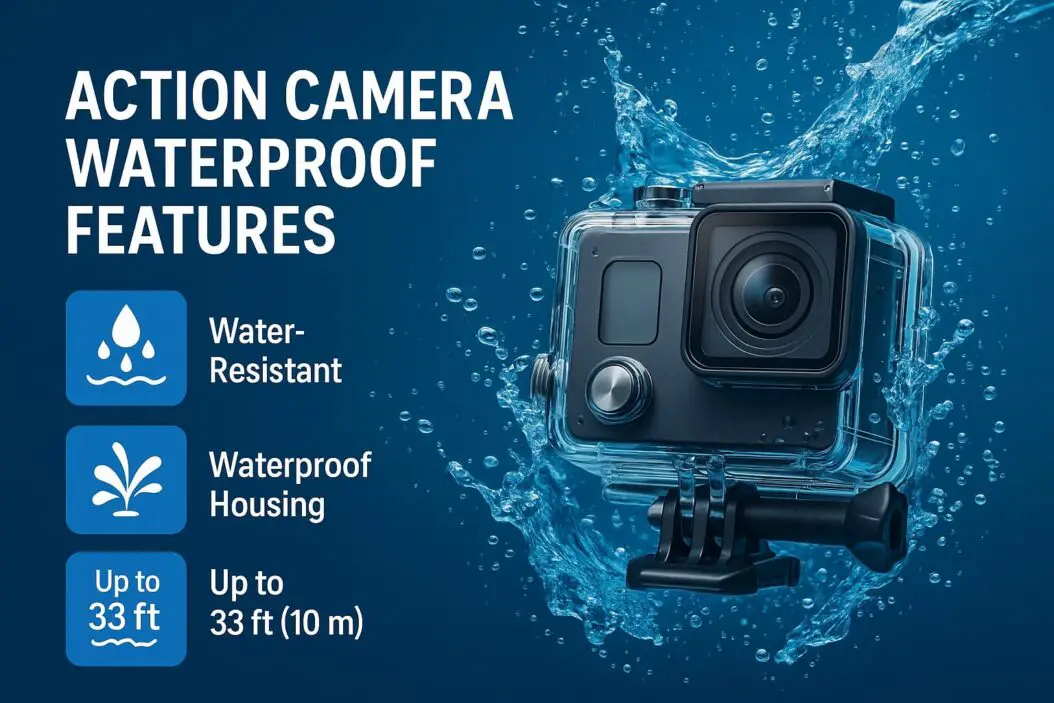
What Waterproof Really Means for Action Cameras
Waterproof ratings are not all the same. Manufacturers use a system called IP (Ingress Protection) ratings to describe how well a device resists water.
The IP rating has two numbers. The first number rates protection against solid objects like dust. The second number rates protection against water. For action cameras, you care about that second number.
Here’s what each water protection rating actually means:
IPX4: Resists water splashes from any direction. Safe for rain or light splashing. Not safe for submersion.
IPX5: Resists water jets from any direction. You can rinse it off or splash it deliberately. Still not for underwater use.
IPX6: Resists powerful water jets like a pressure washer. Very water resistant but not waterproof for diving.
IPX7: Can survive being submerged in up to 1 meter of water for 30 minutes. This is where true waterproof protection starts.
IPX8: Can be submerged deeper than 1 meter. The exact depth depends on the manufacturer. Many action cameras with IPX8 are safe to 10 or even 30 meters.
Most decent action cameras have at least IPX7 or IPX8 protection. That’s the rating you want if you plan to use your camera near water.
Common Action Camera Waterproof Ratings
Different brands rate their cameras differently. Let’s look at what you’ll actually encounter.
GoPro cameras typically feature IPX8 ratings. Their recent models work down to 10 or 33 meters depending on the version. You can use them in swimming pools, streams, and ocean snorkeling without additional cases.
DJI action cameras usually have IPX4 ratings. That means splash protection but no submersion. If you want to use a DJI camera underwater, you need a separate waterproof case.
Insta360 cameras vary by model. Some have IPX4 protection. Newer versions offer IPX8 with depths to 30 meters.
Budget action cameras often have IPX5 or IPX6 ratings. They work well for accidental water exposure but aren’t reliable for actual underwater footage.
Always check your specific camera model. Don’t assume all cameras from one brand have the same rating.
How Waterproof Ratings Are Actually Tested
Understanding the test process helps you know what your camera can really handle.
Manufacturers test waterproof protection in controlled laboratory conditions. For submersion tests, they submerge the camera in fresh water at a specific depth for a set time period. For IPX7, that’s 1 meter for 30 minutes. For IPX8, depths and durations vary by manufacturer.
The tests use still water, not moving water. That matters. A powerful ocean wave creates more pressure than a gentle submersion test. Chlorinated pools are different from salt water. Hot tubs expose electronics to temperature changes.
Most waterproof ratings assume the camera is dry inside when tested. They don’t account for repeated exposure or long-term saltwater use.
This means your camera might pass the IPX8 test but still fail if you use it differently than the test conditions. Understanding what was actually tested protects you from expensive mistakes.
Why Waterproof Cameras Can Still Fail in Water
Your camera has small openings. Buttons need gaps to function. Speakers need holes to work. Microphones require air channels. Lenses need to move. All these features create potential entry points for water.
Manufacturers seal these openings with rubber gaskets and silicone compounds. These seals work when new. But they degrade with time, exposure, and temperature changes.
Salt water is particularly harsh. It corrodes metal contacts and eats through seals faster than fresh water. Sand and dirt can lodge under gaskets and create small channels for water to follow.
Rapid temperature changes cause problems too. Your camera is warm from use. You jump into cold ocean water. The electronics contract. Small gaps open up. Water finds those gaps.
Pressure at depth compresses the camera body and puts stress on seals. At shallow depths like 10 meters, this creates manageable pressure. At 30 meters, forces are much greater. Your camera might be rated for 30 meters but still fail if a seal is slightly compromised.
This is why proper maintenance matters. Even waterproof cameras need care.
How to Maintain Your Waterproof Action Camera
Your waterproof rating only works if you maintain the camera properly.
After freshwater use: Rinse the camera with clean fresh water. Use a damp cloth on the outside. Never spray high-pressure water directly into openings. Let it dry completely before storing. Open cases and compartments so moisture can escape.
After saltwater use: Rinse immediately with fresh water. This is crucial. Salt crystals left on the camera will corrode components. Rinse the body, the lens, and especially around buttons and ports. Then rinse again. Use a soft cloth to dry visible moisture. Store with desiccant packets nearby to pull remaining moisture from the air.
Monthly maintenance: Even if you haven’t used the camera in water, check gaskets for visible damage. Look for discoloration, hardening, or cracks. Wipe rubber seals gently with a damp cloth. Let dry. Don’t use cleaning chemicals unless the manufacturer recommends them.
Replace seals regularly: Check your camera manual for gasket replacement schedules. Most manufacturers recommend replacement every 1 to 2 years with regular use. This is inexpensive insurance against failure. A new gasket costs 10 to 30 dollars. Replacing a flooded camera costs hundreds or thousands.
Avoid extreme temperature changes: Don’t go from a hot car directly into cold water. Let your camera acclimate. This prevents condensation inside the lens housing and reduces stress on seals.
Drain battery compartments: Water can condense inside battery compartments. After water exposure, open the compartment and let it dry for several hours before inserting batteries.
When to Use Protective Cases Over Your Waterproof Camera
Your waterproof camera can handle water. But sometimes a protective case makes sense anyway.
Use a protective case when you need deeper depth. If your camera is rated IPX8 to 10 meters but you’re diving to 20 meters, a rated diving case gives you the extra protection.
Use a case for salt water if you’re uncomfortable with direct exposure. Even waterproof cameras work better with a barrier between the camera and corrosive salt water.
Use a case if you’ll be in rough water like white water rafting or surfing. The impact protection matters more than the waterproofing here, but the water resistance helps too.
Use a case when deploying your camera unattended. You can’t monitor for problems or ensure proper seal positioning. A case provides a safety buffer.
Quality waterproof cases are rated to specific depths. A 10-meter case works at 10 meters. A 30-meter case works at 30 meters. They typically add 20 to 50 dollars to your setup cost but eliminate worry in challenging conditions.
Understanding Water Damage vs. Condensation
Not all water problems are seal failures. Condensation causes many camera issues.
Condensation happens when warm air meets cold surfaces. Your camera is at body temperature. You open it in cold conditions. Moisture in the air condenses on the lens and internal components.
You see condensation as fogging on the lens. It clears as the camera warms up. This is annoying but not damaging if it dries quickly.
Real water damage is different. You’ll see water droplets inside the lens. The image might show water spots or permanent haze. The camera might stop working entirely.
To prevent condensation, let your camera acclimate to temperature changes. Close the lens cap before storing the camera somewhere cold. Store the camera in a warm, dry place.
Use silica gel packets in your camera bag. These absorb moisture and prevent condensation buildup.
Real Examples of Waterproof Action Cameras and Their Limits
GoPro Hero 12: IPX8 rated to 33 meters. Works great for snorkeling, surfing, and water sports. Not designed for deep diving where pressure becomes extreme.
DJI Osmo Action 4: IPX4 rated. Needs a case for any submersion. Excellent for casual water exposure and rain but not for active water shooting without protection.
Insta360 X4: IPX8 rated to 10 meters without case. 60 meters with the protective case. Great for snorkeling and beach use. The case makes it safe for deeper exploration.
Budget brands like AKASO or Campark: Often IPX5 or IPX6. Handle splashing and light rain but fail with regular submersion. Good for casual use, risky for serious water sports.
Phone-based action cameras: Most are IPX4 to IPX6. Your phone is not waterproof by default. Adding a camera case gives basic protection. Better than nothing but less reliable than dedicated action cameras.
The pattern is clear. Dedicated action cameras perform better than budget alternatives. Direct waterproof designs beat cases in reliability. But even the best cameras need maintenance.
Comparing Waterproof Features Across Price Points
Budget action cameras (under $100) typically feature IPX5 or IPX6 protection. They resist water splashes and light rain. They survive accidental pool drops. They’re not reliable for repeated submersion or diving.
Mid-range cameras ($100 to $300) usually have IPX7 or IPX8 protection to 10 to 20 meters. These work well for snorkeling, water sports, and regular recreational water use. They’re reliable enough for most people.
Premium action cameras ($300 to $500) offer IPX8 protection to 30 meters or more. Some models include additional protective elements and tougher seals. These handle professional water sports and extreme conditions better.
Professional diving cameras (over $500) feature advanced waterproofing with rated cases to extreme depths. These are overkill for casual use but necessary for commercial diving or deep underwater work.
You don’t need premium waterproofing for casual use. A mid-range camera with IPX7 or IPX8 protection to 10 meters covers 90 percent of real-world water photography needs.
What Happens When Water Gets Inside
Water damage rarely happens all at once. Usually it’s progressive.
When water first enters, it might just contact the circuit board. The camera might keep working. You won’t notice anything is wrong initially.
Salt from salt water accelerates corrosion. Within hours or days, salt eats through component coatings. Corrosion spreads across traces and connections.
Fresh water is slower but still damaging. Minerals in the water leave deposits. These deposits create short circuits or block connections.
If you suspect water entered your camera, don’t try to power it on. Power will accelerate corrosion and cause immediate failure. Instead, immediately dry the camera completely. Leave it in a warm, dry place for 24 to 48 hours. Keep it open to air if possible.
Some people suggest using uncooked rice or silica gel. These help but don’t guarantee success. They absorb surface moisture, not water already inside.
Once corrosion starts, repairs become expensive or impossible. Prevention through proper maintenance is far cheaper than repair.
Quick Reference for Waterproof Ratings and Real-World Use
| Rating | Fresh Water | Saltwater | Depth | Duration | Best For |
|---|---|---|---|---|---|
| IPX4 | Splash only | No | N/A | Brief | Rain protection |
| IPX5 | Splashes | No | N/A | Brief | Wet conditions |
| IPX6 | Water jets | No | N/A | Brief | Heavy rain |
| IPX7 | Submersion | Limited | 1m | 30min | Swimming pools |
| IPX8 | Full submersion | Yes | 10m+ | Unlimited | Snorkeling/sports |
Summary
Action camera waterproof features work better when you understand what the ratings mean. IPX7 and IPX8 are the practical minimums if you’ll use your camera in water. Fresh water exposure is less demanding than saltwater. Maintenance is the difference between a reliable camera and a failed one.
Choose a camera appropriate for your intended use. If you only want splash protection, IPX4 suffices. If you’ll snorkel or participate in water sports, choose IPX8. Maintain your camera after water exposure, especially with salt water. Replace gaskets on schedule. Store your camera dry.
Your waterproof action camera can handle water when new. Proper care keeps it working that way for years.
Frequently Asked Questions
Is my action camera waterproof or water resistant?
Most so-called waterproof action cameras are technically water resistant. True waterproofing is rare. The term “waterproof” is commonly used in marketing for cameras with IPX7 or IPX8 ratings. Always check the specific IP rating for your camera.
Can I use my waterproof action camera in chlorinated pools?
Yes, but rinse it thoroughly afterward. Chlorine can degrade rubber seals over time. Rinse with fresh water immediately after pool use and dry completely.
How long will my waterproof action camera last if I use it in water frequently?
With proper maintenance, 3 to 5 years. Frequent water exposure degrades seals faster. Budget for annual gasket replacement if you use the camera in water regularly.
Do I still need a protective case if my action camera is waterproof?
No, not for basic water exposure. Cases are useful for deeper depths, rough water conditions, or if you want extra peace of mind. Your waterproof rating usually works without a case.
What should I do if water gets inside my action camera?
Stop using it immediately. Don’t power it on. Dry the camera in a warm, dry place for 24 to 48 hours. If problems persist after drying, water damage may require professional repair. Prevention through maintenance is far more cost-effective than repair.
