
IOMMU is a hardware feature that controls how devices access memory. Enabling it is essential for virtual machines, GPU passthrough, and system security. This guide shows you exactly how to enable IOMMU step by step, on every major platform.
If you are setting up a VM, running Proxmox, or trying to pass a GPU to a guest OS, enabling IOMMU is the first thing you need to do. Most systems have it disabled by default.
What Is IOMMU and Why Does It Matter
IOMMU stands for Input/Output Memory Management Unit. It sits between your CPU and the devices connected to it. Without IOMMU, a device like a GPU or network card can access any part of your system memory. With IOMMU enabled, you control exactly what memory each device can touch.
This matters for three main reasons:
- Virtual machine isolation: GPU passthrough requires IOMMU to work. Without it, a guest OS cannot get direct hardware access.
- Security: Malicious devices or DMA attacks are blocked when IOMMU is active.
- Stability: Devices are sandboxed, reducing the chance of one bad device crashing your whole system.
Intel calls their version VT-d (Virtualization Technology for Directed I/O). AMD calls theirs AMD-Vi. They work the same way. Your BIOS might show either label depending on your CPU brand.
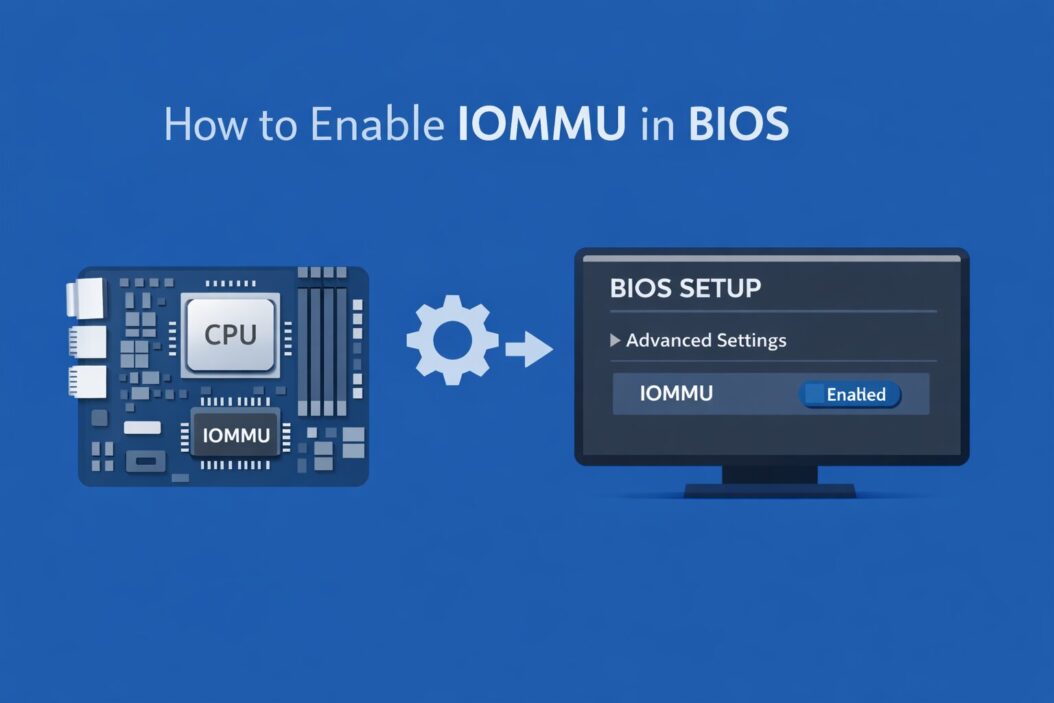
Step 1: Enable IOMMU in BIOS/UEFI
This is the starting point. You cannot enable IOMMU from inside your OS without first turning it on in BIOS. Every other step depends on this.
How to Access BIOS
Restart your computer. As it boots, press the BIOS key. Common keys are:
| Motherboard Brand | BIOS Key |
|---|---|
| ASUS | F2 or Del |
| Gigabyte | Del |
| MSI | Del |
| ASRock | F2 or Del |
| HP | F10 |
| Dell | F2 |
| Lenovo | F1 or F2 |
Once inside BIOS, look for the Advanced or CPU Configuration section. The exact location varies by motherboard brand, but you are looking for one of these settings:
- Intel VT-d
- AMD-Vi
- IOMMU
- SR-IOV (sometimes grouped with IOMMU)
Enable It
Find the setting and change it from Disabled to Enabled. Save and exit. Usually F10 saves and exits, or you can use the on-screen option. Your PC will restart.
If you cannot find VT-d or AMD-Vi, your CPU or motherboard might not support IOMMU. Budget CPUs and older hardware sometimes lack the feature entirely.
Step 2: Enable IOMMU in Linux
After BIOS is set, you need to tell your Linux kernel to use IOMMU. This is done through a kernel boot parameter.
Editing GRUB on Ubuntu, Debian, or Fedora
Open a terminal and edit your GRUB config file:
sudo nano /etc/default/grub
Find this line:
GRUB_CMDLINE_LINUX_DEFAULT="quiet splash"
Add the right parameter for your CPU:
For Intel CPUs:
GRUB_CMDLINE_LINUX_DEFAULT="quiet splash intel_iommu=on iommu=pt"
For AMD CPUs:
GRUB_CMDLINE_LINUX_DEFAULT="quiet splash amd_iommu=on iommu=pt"
The iommu=pt part enables passthrough mode. This is recommended for most use cases because it only enforces IOMMU for devices that actually need it, which gives you better performance.
Save the file. Then update GRUB:
Ubuntu/Debian:
sudo update-grub
Fedora/RHEL:
sudo grub2-mkconfig -o /boot/grub2/grub.cfg
Reboot your system.
Verify IOMMU Is Active on Linux
After rebooting, run this command:
dmesg | grep -e DMAR -e IOMMU
You should see output containing lines like:
DMAR: IOMMU enabled
or for AMD:
AMD-Vi: IOMMU performance counters supported
If you see those lines, IOMMU is running. If the output is empty or shows errors, go back to BIOS and make sure VT-d or AMD-Vi is actually enabled.
Check IOMMU Groups
IOMMU groups define which devices are isolated together. For GPU passthrough, your GPU needs to be in its own group or share the group only with things you can pass through. Run:
#!/bin/bash
for d in /sys/kernel/iommu_groups/*/devices/*; do
  n=${d#*/iommu_groups/}; n=${n%%/*}
  printf 'IOMMU Group %s ' "$n"
  lspci -nns "${d##*/}"
done
This prints every device with its IOMMU group number. If your GPU shares a group with your CPU root complex or other critical devices, you might need to use the ACS override patch (an advanced topic for another day).
Step 3: Enable IOMMU on Windows
Windows uses IOMMU through a feature called Memory Integrity (also called Core Isolation) and through Hyper-V. If you are using Windows for virtualization with Hyper-V or WSL2, here is how to make sure IOMMU is being used.
Check If IOMMU Is Active in Windows
Open PowerShell as administrator and run:
Get-WinEvent -FilterHashtable @{LogName='System'; ProviderName='Microsoft-Windows-Hyper-V-Hypervisor'} | Select -First 10
Or more simply, check via system information:
Press Win + R, type msinfo32, and press Enter. Look for Virtualization-based security in the System Summary section. If it shows Running, IOMMU is active.
Enable Memory Integrity (Core Isolation)
Go to Windows Security > Device Security > Core Isolation Details. Toggle Memory Integrity to On. Restart when prompted.
Memory Integrity uses IOMMU to protect kernel memory from being tampered with by malicious drivers. If the toggle is grayed out, your BIOS VT-d setting might still be off.
Enable IOMMU for Hyper-V
If you are running Hyper-V virtual machines and want DMA protection, open PowerShell as administrator:
Enable-WindowsOptionalFeature -Online -FeatureName Microsoft-Hyper-V -All
After Hyper-V is enabled and BIOS IOMMU is on, Windows will use VT-d/AMD-Vi automatically for VM memory isolation.
Step 4: Enable IOMMU on Proxmox
Proxmox is one of the most common reasons people need IOMMU. GPU passthrough on Proxmox requires IOMMU to be properly configured.
Edit GRUB on Proxmox
SSH into your Proxmox host and edit GRUB:
nano /etc/default/grub
Add the parameters just like Linux above. For Intel:
GRUB_CMDLINE_LINUX_DEFAULT="quiet intel_iommu=on iommu=pt"
For AMD:
GRUB_CMDLINE_LINUX_DEFAULT="quiet amd_iommu=on iommu=pt"
Update GRUB and reboot:
update-grub
reboot
Load Required Modules
After reboot, add these kernel modules so they load at startup:
echo "vfio
vfio_iommu_type1
vfio_pci
vfio_virqfd" >> /etc/modules
Update initramfs:
update-initramfs -u -k all
Reboot again. Now verify IOMMU is active with the dmesg command shown earlier.
For full GPU passthrough setup on Proxmox, the official Proxmox Wiki is the best next resource: https://pve.proxmox.com/wiki/PCI_Passthrough
Common Problems and Fixes
| Problem | Likely Cause | Fix |
|---|---|---|
| IOMMU option not in BIOS | CPU does not support it | Check CPU specs on manufacturer site |
| dmesg shows no IOMMU output | BIOS setting still off or kernel param wrong | Double-check GRUB line and BIOS |
| Memory Integrity grayed out in Windows | VT-d not enabled in BIOS | Enable VT-d first |
| GPU passthrough failing in Proxmox | IOMMU groups not separated properly | Check groups, consider ACS patch |
| System slower after enabling | IOMMU overhead | Use iommu=pt passthrough mode |
IOMMU and Security: What It Actually Protects You From
When IOMMU is on, every DMA (Direct Memory Access) request from a device goes through the IOMMU first. This blocks a class of attacks called DMA attacks, where a malicious device plugged into USB or Thunderbolt tries to read or write your RAM directly.
This is one reason modern OS vendors are pushing for IOMMU by default. Microsoft made Memory Integrity default on new Windows 11 PCs starting in 2022. Linux distributions are catching up. If you care about security and use Thunderbolt or external devices, IOMMU is worth enabling even if you have no virtual machines.
For a deep technical read on how IOMMU works at the hardware level, the Intel VT-d specification is publicly available: https://www.intel.com/content/www/us/en/developer/articles/technical/intel-virtualization-technology-for-directed-io-vt-d-enhancing-intel-platforms-for-efficient-virtualization-of-io-devices.html
Quick Reference: IOMMU Kernel Parameters
| Parameter | What It Does |
|---|---|
intel_iommu=on | Enables IOMMU for Intel CPUs |
amd_iommu=on | Enables IOMMU for AMD CPUs |
iommu=pt | Passthrough mode, only maps devices that need it |
iommu=force | Forces IOMMU on all devices |
intel_iommu=igfx_off | Excludes integrated GPU from IOMMU (fixes some boot issues) |
Conclusion
Enabling IOMMU is a three-part process: turn it on in BIOS, pass the right kernel parameter to your OS, and verify it is working. For most users this takes less than 10 minutes. The BIOS step is mandatory. Everything else depends on it.
Once IOMMU is active, you unlock GPU passthrough, protect your system from DMA attacks, and give virtual machines real hardware isolation. It is one of those settings that makes a real, measurable difference once it is on.
If your GPU passthrough is still failing after following these steps, the problem is almost always IOMMU group layout or a missing module, not the IOMMU setting itself. Check your groups carefully and confirm every module is loading at boot.
Frequently Asked Questions
Does enabling IOMMU slow down my PC?
Slightly, in some cases. The overhead is small for most workloads. Using iommu=pt instead of iommu=force reduces this significantly because it only applies IOMMU translation to devices that actually need it. For daily desktop use you will not notice a difference.
Can I enable IOMMU without a compatible CPU?
No. IOMMU is a hardware feature. Your CPU and motherboard must both support it. Intel CPUs need VT-d support. AMD Ryzen CPUs from the Zen architecture onward generally support AMD-Vi. Older or budget CPUs may not have it. Check your CPU spec sheet on Intel ARK or AMD’s product page.
Why is VT-d not showing in my BIOS?
A few reasons are possible. Some motherboard manufacturers hide the option behind other menus. Check under Advanced CPU Configuration, Chipset, or Platform settings. Sometimes a BIOS update adds the option. If the CPU itself lacks VT-d, the option will simply never appear.
Is IOMMU the same as VT-d?
Yes, for Intel systems. VT-d is Intel’s brand name for their IOMMU implementation. AMD calls theirs AMD-Vi. Functionally they are the same technology serving the same purpose. When people say enable IOMMU, they mean enable VT-d on Intel or AMD-Vi on AMD.
Do I need IOMMU for WSL2 on Windows?
Not directly. WSL2 runs a lightweight VM using Hyper-V, and Hyper-V will use IOMMU if available, but WSL2 itself works without it. If you want to pass real hardware (like a GPU) into a WSL2 instance for CUDA or machine learning work, that feature (GPU compute in WSL2) uses a different driver stack and does not require IOMMU to be manually configured by you.
