
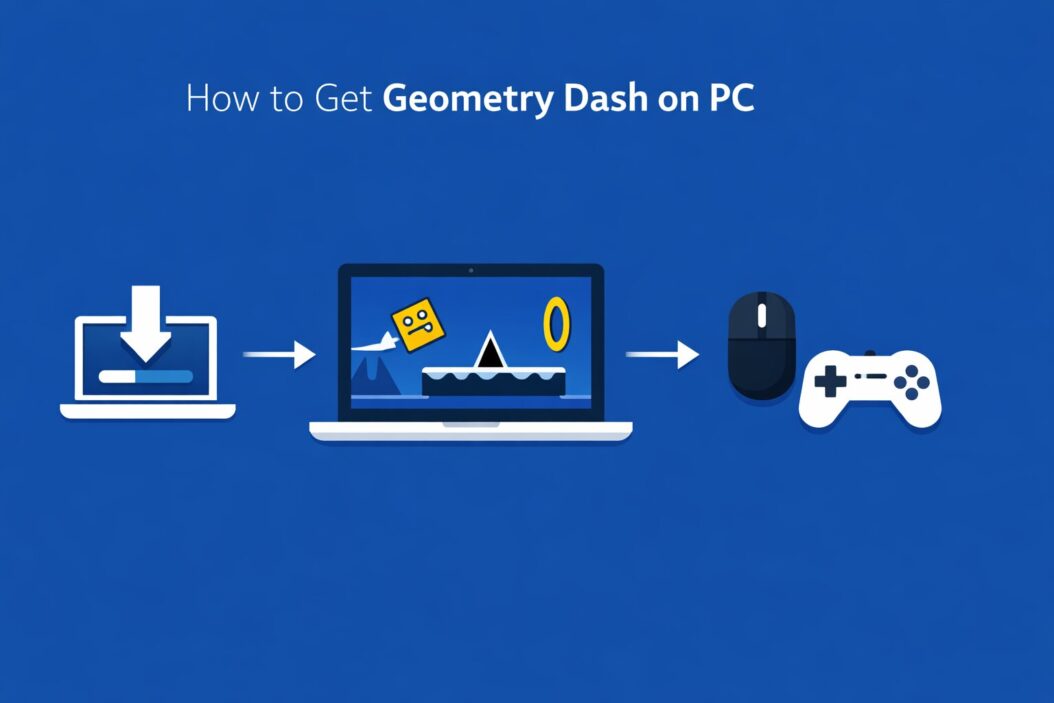
Geometry Dash is available on PC through Steam. That is the official, safest, and most reliable way to get it. The game costs a one-time fee of $3.99 USD, and once you buy it, you own it forever. No subscriptions, no hidden fees.
This guide walks you through every step, from downloading Steam to launching your first level. It also covers common problems, free alternatives, and what to expect after installing.
What Is Geometry Dash and Why People Love It
Geometry Dash is a rhythm-based platformer made by RobTop Games. You control a small cube that moves automatically. Your only job is to tap or click at the right time to jump over spikes and obstacles. The music drives everything. The levels sync perfectly with the beat.
It sounds simple. It is not.
The game is famous for being brutally difficult, incredibly satisfying, and endlessly replayable. There are 21 official levels, thousands of community-made ones, and a built-in level editor so you can make your own. The game has been active since 2013 and still gets updates in 2026.
The Only Legit Way: Buy It on Steam
Steam is the platform where Geometry Dash officially lives on PC. There is no standalone installer from the developer’s site. If you see a site offering a free PC download outside of Steam, it is either a pirated copy, malware, or both. Avoid it.
Here is why Steam is the right choice:
- You get automatic updates, including Geometry Dash 2.2 and beyond
- Your progress is saved to the cloud
- The game runs stably on Windows 10 and Windows 11
- You get access to online levels and the official community
- No risk of viruses or broken files
The price is $3.99. That is not a lot of money for a game with this much content and longevity.
Step-by-Step: How to Get Geometry Dash on PC
Step 1: Download and Install Steam
If you already have Steam, skip this step.
Go to store.steampowered.com and click the green “Install Steam” button in the top right. Download the installer, run it, and follow the prompts. It takes about two minutes.
Once installed, open Steam and create a free account if you do not have one. You need an email address and a password. Steam will send a verification email. Confirm it before continuing.
Step 2: Add Funds to Your Steam Wallet or Use a Card
Steam accepts credit cards, debit cards, PayPal, and Steam gift cards. You can pay directly at checkout without adding funds to your wallet first. Either method works.
If you are using a gift card, go to your account name in the top right, click “Account Details,” and then “Add Funds to Your Steam Wallet.”
Step 3: Search for Geometry Dash on Steam
In the Steam search bar at the top, type “Geometry Dash.” The official game by RobTop Games will appear at the top. Click on it.
Double-check the developer name: it should say RobTop Games. This confirms it is the real game and not a knockoff.
Step 4: Buy the Game
On the Geometry Dash store page, click “Add to Cart.” Then click “Purchase for myself.” Follow the payment steps. The process takes under two minutes.
After purchase, Steam automatically adds the game to your library.
Step 5: Install Geometry Dash
Go to your Steam Library. Find Geometry Dash in the left sidebar. Click on it, then click the blue “Install” button. Choose where you want it saved on your hard drive, then click “Next.”
The download is small, around 200 to 300 MB. It finishes quickly even on a slower connection.
Step 6: Launch the Game
Once installed, click the green “Play” button in your Steam Library. Geometry Dash opens. The first time it launches, it may take a few extra seconds to set itself up.
You are in. Start with “Stereo Madness” and try not to rage quit on your first run.
System Requirements for Geometry Dash on Windows
The game is not demanding. Almost any PC or laptop from the last ten years can run it.
| Requirement | Minimum | Recommended |
|---|---|---|
| OS | Windows 7 or later | Windows 10 / 11 |
| Processor | 2 GHz dual-core | 2.5 GHz dual-core |
| RAM | 2 GB | 4 GB |
| Graphics | 512 MB VRAM | 1 GB VRAM |
| Storage | 500 MB | 1 GB |
| DirectX | Version 9.0c | Version 11 |
If your PC can run a YouTube video smoothly, it can almost certainly run Geometry Dash.
Is There a Free Version of Geometry Dash on PC?
There is no official free version of Geometry Dash for PC. On mobile (iOS and Android), there is a free version called Geometry Dash Lite, but it is limited to a few levels and has ads. That version does not exist on PC.
Some people ask about Geometry Dash Meltdown, World, or SubZero. Those are separate free mobile games in the same series. They are not available on PC through any official channel.
For PC, your options are:
- Buy the full game on Steam for $3.99
- Try browser-based fan games like Scratch recreations for a taste of the gameplay (these are unofficial and incomplete)
- Wait for a sale on Steam, though the game rarely goes on sale because it is already cheap
The $3.99 price point is genuinely fair. You get the full game, all official levels, the level editor, and online access.
Common Installation Problems and How to Fix Them
Game Won’t Launch After Installing
Close Steam completely and reopen it as an administrator. Right-click the Steam shortcut and choose “Run as administrator.” Then try launching Geometry Dash again.
If that does not work, right-click Geometry Dash in your Steam Library, go to Properties, then Local Files, and click “Verify integrity of game files.” Steam will check and repair any corrupted files.
Screen Goes Black When Starting
Update your graphics drivers. Go to your GPU manufacturer’s website (NVIDIA, AMD, or Intel) and download the latest drivers for your card. After installing, restart your PC and try again.
Low FPS or Stuttering
Go into the game settings and turn off particle effects. Also make sure no background applications are eating up your CPU or RAM while you play. Geometry Dash is lightweight, but older hardware can still struggle with certain visual effects.
Steam Won’t Connect to the Internet
Geometry Dash needs an internet connection for online features, but the main levels work offline. If Steam cannot connect, check your firewall settings and make sure Steam is allowed through.
Purchase Not Showing in Library
Wait five minutes. If the game still does not appear, restart Steam. Go to Steam’s support page at help.steampowered.com if the problem persists. Their support team is responsive.
What to Do After Installing Geometry Dash
Once the game is running, here is what to know:
Start with the official levels. There are 21 main levels arranged by difficulty. Start with Stereo Madness (Easy) and work your way up. Each level is harder than the last.
Use the practice mode. Press Escape during a level to access practice mode. You can set checkpoints so you do not restart from zero every time you die. This is how most players learn difficult sections.
Explore online levels. Go to the Online section from the main menu. Search for levels by difficulty, rating, or name. The community has created millions of levels. Some are easier than the official ones. Some are so hard they take thousands of attempts.
Try the level editor. Even if you are not creative, the editor is worth exploring. It teaches you how the game works at a deeper level.
Learn the geometry dash keybindings. On PC, you jump using the spacebar, the up arrow key, or mouse click. All three work simultaneously. Some players use multiple fingers across the keyboard for more complex levels.
Geometry Dash on PC vs Mobile: Key Differences
| Feature | PC (Steam) | Mobile |
|---|---|---|
| Price | $3.99 one-time | $1.99 (full) or free (Lite) |
| Controls | Mouse click / keyboard | Tap screen |
| Screen size | Larger, easier to see | Smaller |
| Input precision | Slightly easier with keyboard | Touch can feel less precise |
| Updates | Same as mobile | Same as PC |
| Level editor | Full access | Full access |
| Online levels | Full access | Full access |
Many players find PC easier to control because a keyboard click is more consistent than a touchscreen tap. However, longtime mobile players sometimes prefer touch. Either works.
Can You Transfer Progress from Mobile to PC?
Yes, but it requires an account. In Geometry Dash, go to Settings and then Account. Create or log into your GD account. Your statistics and completed levels sync across platforms.
Note: some data like local-only icons or purchased items from mobile stores may not carry over perfectly. But level completion records and stars should sync.
Summary
Getting Geometry Dash on PC comes down to four actions: install Steam, buy the game for $3.99, download it, and play. The whole process takes about ten minutes. There is no complicated setup, no sketchy downloads, and no free alternative worth bothering with on PC.
The game is cheap, well-made, and has an enormous amount of content. If you have been on the fence, $3.99 is a low-risk way to find out if it clicks for you. Most people who try it end up putting in hundreds of hours.
Frequently Asked Questions
Is Geometry Dash free on PC?
No. There is no official free PC version. The game costs $3.99 on Steam. The free version called Geometry Dash Lite only exists on mobile devices. Any site claiming to offer a free PC download is not legitimate.
Can I get Geometry Dash on Windows 11?
Yes. Geometry Dash runs well on Windows 11. It also works on Windows 10, Windows 8.1, and Windows 7. You install it through Steam, and it runs without any compatibility issues on modern Windows.
How large is the Geometry Dash download on PC?
The download size is approximately 200 to 300 MB. It is a small game. Even on a slow internet connection, it should download in a few minutes.
Do I need a Steam account to play Geometry Dash on PC?
Yes. Steam is the only official platform for Geometry Dash on PC, so you need a Steam account to buy and install it. Creating an account is free and takes about two minutes.
Why is Geometry Dash not launching after I installed it?
The most common fixes are: run Steam as an administrator, verify the game files through Steam’s Library settings, or update your graphics drivers. If none of those work, check the Steam support site at help.steampowered.com for additional help.

- How to Improve Wi-Fi Signal on My Phone (2026 Guide) - March 17, 2026
- How to Enable MMS Messaging on iPhone (2026 Guide) - March 15, 2026
- 9 Best Software for Web Development in 2026 - March 15, 2026